
What is a website? A website is a collection of connected web pages and resources that people access through a browser, usually under one domain name. For a business, it provides a central place where customers can understand the offer, explore services or products, and take the next step.
A clinic might use its site to explain treatments and receive appointment enquiries. A shop might sell products online. A consultant might present expertise and invite visitors to request a meeting. The technology is similar, but the purpose determines the structure.
This guide explains the essentials, the available website types, and the decisions small businesses in Saudi Arabia should consider before starting a project.
What Is a Website in Simple Terms?
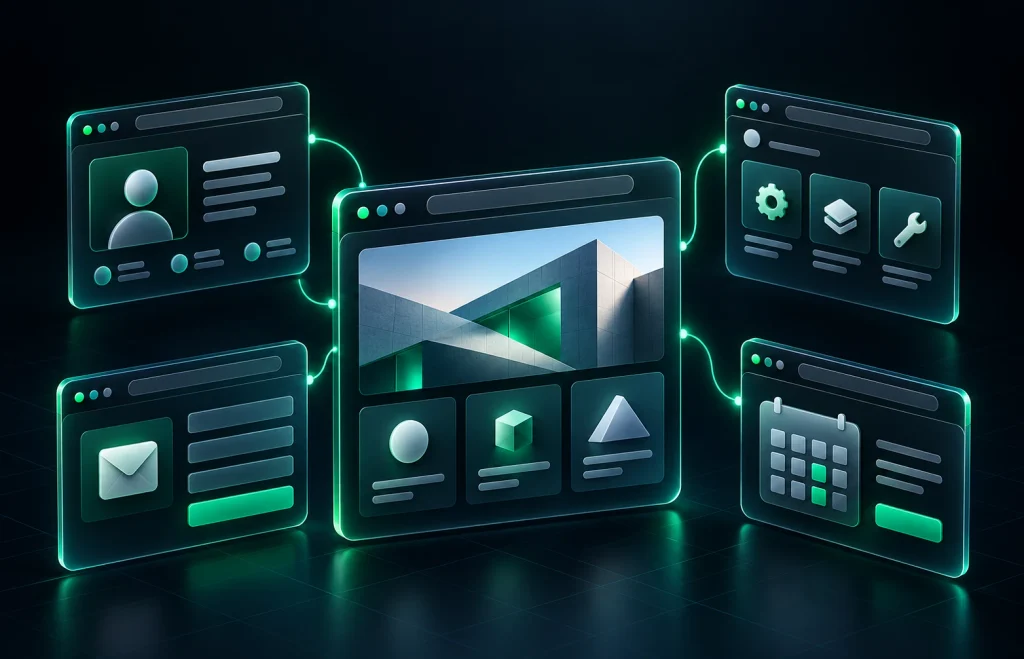
Think of a website as your business’s main online destination. Its pages organise information into sections that visitors can navigate, such as Home, About, Services, and Contact.
A customer may arrive directly on a service page rather than the homepage. They should still be able to understand the business, explore related information, and find a way to contact you.
The answer to “what is a website?” therefore includes both its technical structure and its purpose: connected pages that help people find information or complete a task. MDN Web Docs explains the relationship between websites, individual pages, and browsers. MDN.
How Does a Website Work?
When someone enters a web address or follows a link, their browser requests the resources needed to display the page. The hosting infrastructure delivers those resources, and the browser presents the content on screen.
For example, a customer looking for a salon in Riyadh might open its service page, compare treatments, and use a booking form. Behind that experience are the site’s address, hosting, content, and interactive features.
Visitors do not need to understand the technical details. They need pages that load reliably, work on their device, and make the next step easy.
Website vs Web Page, Domain, Hosting and Browser
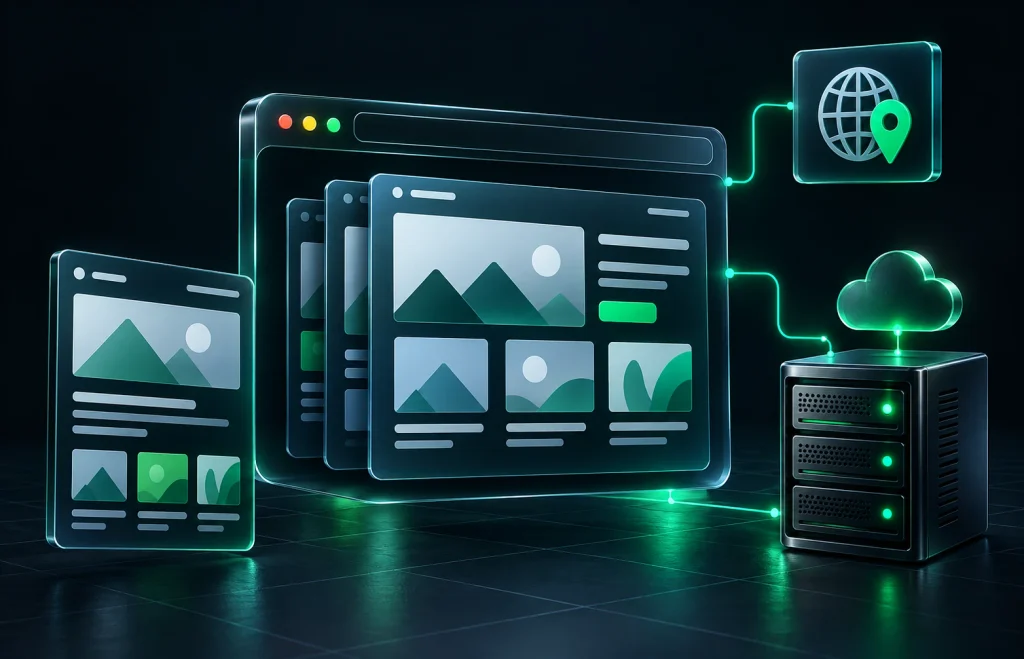
These terms describe different parts of the same system. Keeping them separate makes project proposals and ongoing costs easier to understand.
| Term | Meaning | Example |
|---|---|---|
| Website | The connected online resource as a whole | A company’s services, about and contact pages |
| Web page | One page within a site | A page describing one treatment |
| Domain name | The address used to reach the site | yourbusiness.sa |
| Hosting | Infrastructure that stores and serves website resources | The service delivering pages to visitors |
| Browser | Software that retrieves and displays pages | Chrome, Safari or Firefox |
Buying a domain does not automatically create a website. Likewise, arranging hosting does not necessarily include design, copywriting, or ongoing maintenance. Check what each service covers before ordering.
What Is a Website Used For?
A useful site starts with a specific goal. That might be generating enquiries, selling products, showcasing work, publishing information, or accepting bookings.
Choose the structure around that goal. Adding features without a clear purpose can make the site harder to use and more expensive to maintain.
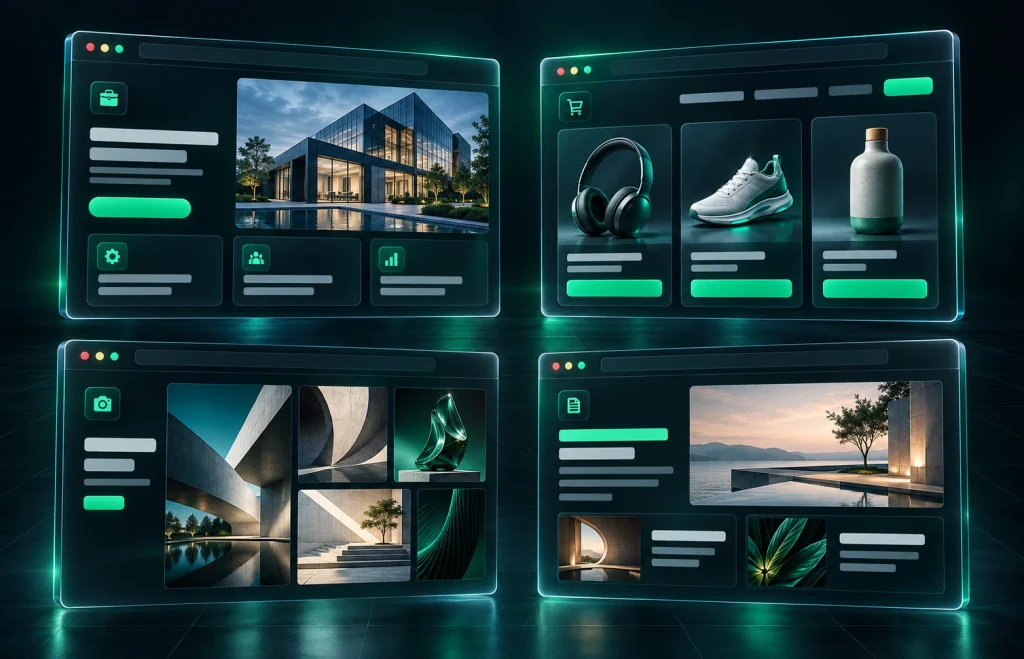
Business website
Suitable for service companies, clinics, contractors, consultants, and local businesses, this format explains the offer and builds confidence. Service pages, relevant project examples, and straightforward contact options are usually central.
Online store
An ecommerce website lets customers browse products and place orders. It typically needs product pages, a cart, checkout, payment integration, and order management. Delivery information and clear policies also matter.
Portfolio website
Photographers, designers, architects, and other creative professionals use portfolios to demonstrate their work. Strong images and concise project descriptions help visitors assess whether the professional suits their needs.
Blog or publication
This format focuses on articles, guides, news, or other regularly published content. A blog can also sit within a business website, answering customer questions and explaining services in more detail.
Booking website
Appointment-based businesses may need visitors to request or reserve a time slot. Decide whether a simple enquiry form is enough or whether live availability, confirmation messages, and online payments are required.
Several formats can work together. A clinic, for example, may combine service pages, specialist profiles, educational articles, and appointment requests.
Why a Website Matters for a Small Business
Customers often want answers before starting a conversation: what you offer, where you operate, how the service works, and how to contact you. A well-organised site makes that information available without requiring a message first.
It also provides a consistent destination for advertisements, search listings, emails, and social profiles. Instead of explaining the same service repeatedly, you can direct customers to a relevant page.
For business owners asking “what is a website?” before investing, its value lies in that practical role. It should support customer decisions and business operations, rather than simply exist as an online brochure.
Search visibility takes additional work. Useful content and clear page organisation can help search engines understand a site, but publishing one does not guarantee rankings. Google’s SEO Starter Guide explains the fundamentals. developers.google.com

Website vs Social Media
Social media can introduce your business to new audiences and support conversation. A website gives you greater control over navigation, content organisation, and the way services or products are presented.
Use them together. A social post can attract attention, then link to a detailed service page, product listing, or booking page. Visitors can explore the full offer before contacting you.
Keep opening hours, contact information, and service details consistent across both. Conflicting information makes it harder for customers to know which details are current.
What Is a Website Expected to Include?
The essentials depend on the business, but most small company sites benefit from:
- Home: a clear introduction and a route to the main services or products.
- About: relevant information about the business, experience, and team.
- Services or products: details that help customers assess the offer.
- Contact: reliable phone, email, form, location, or WhatsApp options.
Support these pages with readable content, clear navigation, appropriate images, and visible calls to action. Check the mobile experience as carefully as the desktop layout.
For a business serving Arabic- and English-speaking customers in Saudi Arabia, plan both language versions early. Arabic layouts should support right-to-left reading, and both versions should communicate the same essential information.

Choosing a Domain: .sa or .com?
A .sa domain can support a Saudi local identity. A .com address may suit a brand with a broader audience or an established international presence. Choose according to your customers, brand, availability, and registration requirements.
Before selecting a Saudi domain, consult SaudiNIC for official information about registration policies and services. Check eligibility and documentation requirements rather than assuming availability is the only consideration. nic.sa
Keep the name memorable, easy to spell, and consistent with your brand. If you register additional domains, they can redirect to one main address instead of hosting duplicate sites.
Planning, Launching and Maintaining Your Site
Start by defining the audience and the action you want visitors to take. Then agree on the pages, content, features, domain, hosting, and responsibilities for ongoing care.
Before launch, test navigation, forms, contact links, checkout or booking flows where applicable, and both language versions. Confirm who receives enquiries and how they will respond.
After launch, review information regularly, check important functions, and maintain the underlying software. Include renewals, backups, security updates, and paid integrations in the ongoing budget where relevant.
Tech Resolve’s Website Development and Custom Website Development services can help you plan a suitable approach. For an existing site, Website Redesign may be more appropriate. See the WordPress maintenance guide for ongoing care.
Frequently Asked Questions
What is a website builder?
A website builder is a tool for creating pages through visual controls or templates. The platform you choose affects design flexibility, integrations, hosting arrangements, and maintenance responsibilities.
What is a website template?
A template provides a starting layout. It can speed up development, but the content, navigation, and features should still be adapted to your business and customers.
What is a website redesign?
A redesign updates an existing site’s presentation, structure, or functionality. It may also address unclear content, poor mobile usability, or a visitor journey that no longer matches the business.
What is a website maintenance plan?
It is an arrangement for ongoing care. Depending on the scope, it may include software updates, backups, security checks, technical fixes, or content changes. Confirm the included tasks and response times.
What is a website with only one page?
A one-page site presents its main information in a single page, often divided into sections. It can suit a focused offer, while separate services or product ranges may benefit from individual pages.
Building a Useful Online Presence
The answer to “what is a website?” starts with connected pages, but a successful business site needs a clear purpose. Visitors should understand what you offer, find the details they need, and know what to do next.
For small businesses in Saudi Arabia, start with the right structure and useful content. Add features when they serve a real customer need, and plan how the site will be maintained after launch.
If you are planning a new site or improving an existing one, contact Tech Resolve to discuss your goals and the scope of your project.